Trust what you are looking at
Sensors drift, foul and fail. The question is whether you find out before or after the number reaches a report.
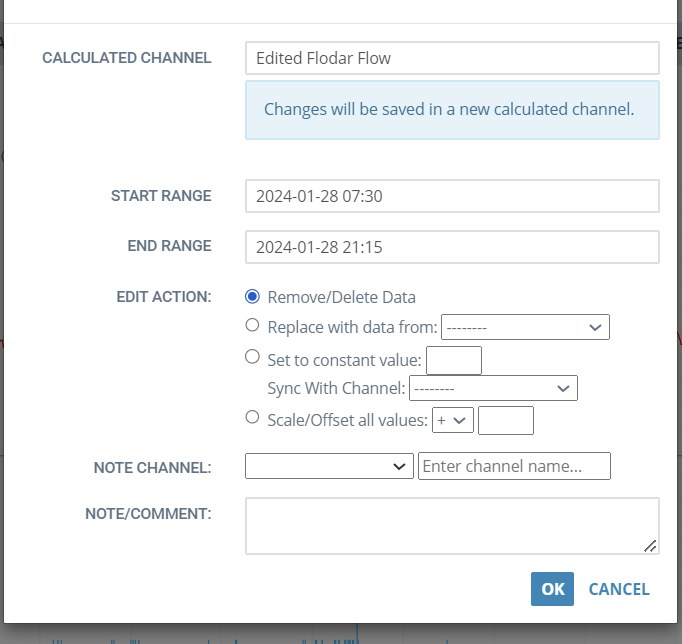
Correct it without destroying it
Two kinds of channel sit behind all of this. A raw channel is what arrived — readings from a sensor or another system, with nothing applied to them. Nobody can change a raw channel, which is what makes it the source of truth. A calculated channel is derived from raw or other calculated channels, including channels on different sites, with the formula recorded alongside it.
Every value therefore traces back. When somebody asks why a reading says what it says, the answer is a chain you can follow rather than a claim you have to accept.
Suspect data can be flagged and corrected, and the original is never overwritten. Corrections produce a separate edited channel, so raw and edited both remain available and everyone downstream can see which one they are using.
That distinction matters the first time somebody challenges a number. The answer — here is the raw reading, here is the correction, here is who made it and when — is available rather than reconstructed.
- Non-destructive editing: the raw record is preserved
- Corrections published as their own channel, not silently substituted
- Full edit history — what changed, who changed it, when
- Flags that travel with the data into analysis and reporting
Find the bad readings you were not looking for
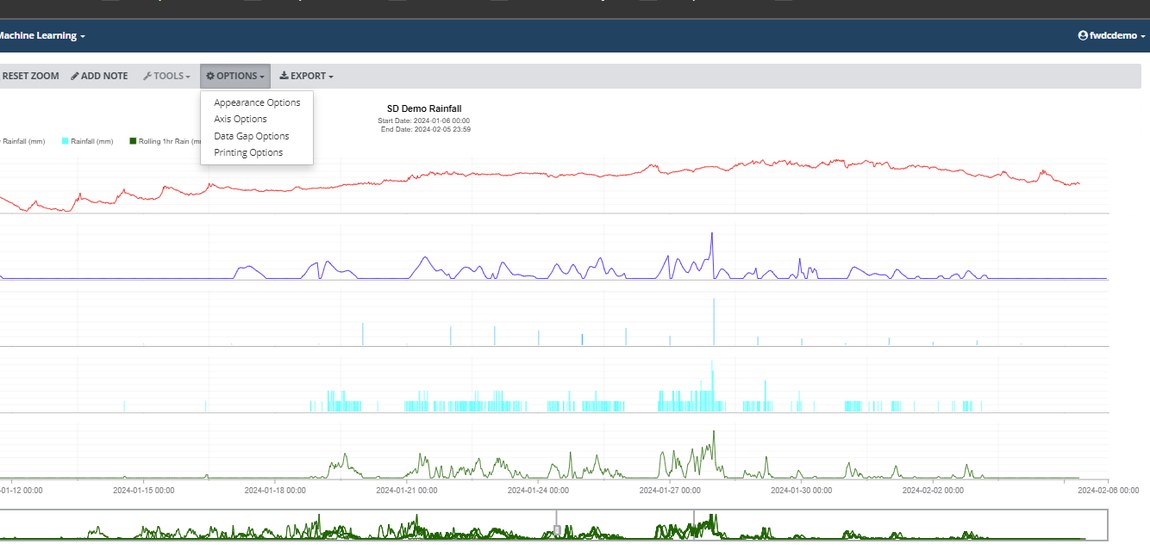
Sensor data error detection identifies readings that do not behave like the sensor normally behaves — drift, flatlines, spikes and dropouts — rather than only catching values outside a fixed range. A fouled sensor often stays inside its valid range for weeks, which is exactly why threshold checks miss it.
This is machine learning doing something specific and checkable: learning the normal pattern for a channel and telling you when the channel stops matching it.
Auto QAQC is how this is delivered: as a calculated channel built with FACE Pro, not a separate application to log into. It sits beside the channel it is checking, so you can graph it, alarm on it and feed it into other calculations like any other channel — and anything it does, your own analysts can extend.
- Detects drift and flatlines that stay within valid range
- Learns per-channel normal behaviour rather than using one global rule
- Suspect data is flagged for review
Who this helps, and how
QAQC work
Speed, and an audit trail. The job is to produce the channel everyone else relies on, and to be able to defend it later.
Anyone reporting to a regulator
The number in the submission and the number on the screen have a traceable relationship.
Modelling and analysis work
Every derived number inherits the quality of what it was built from. An inflow and infiltration (I&I) estimate, a rating or a model calibration is only as defensible as the level and velocity underneath it — which is why the flags travel with the data into the analysis.
Whoever gets asked “is that real?”
Usually the fastest question to close, because everything is in one place.
Bring a channel you do not trust
A demo on a sensor you already suspect is the quickest way to see whether this catches what you catch.