The infinitii flowworks API
The API lets organisations do more with their data. Access is not limited to what one application exposes: import from virtually any time-series source, and export to any other application or service.
Why it exists
Calculated channels let you do new things inside infinitii flowworks. Eventually you need the data somewhere else — a public website, a corporate reporting system, a model that runs on your own infrastructure, a maintenance system that should open a work order when a reading crosses a line.
The API is a full REST interface over sites, channels and time series data, and it runs in both directions. It is what stops infinitii flowworks being another place your data is stuck in.
Reading and writing
Find sites and channels
List sites, filtered by name or by site type — the name filter matches partially, so ANG finds ANG001, ANG002 and Langford. Optionally pull each site’s channels in the same response.
Search channels across every site
Find matching channels across your whole account with a single case-insensitive filter: vel returns Velocity, Final Level, Surface VEL. Useful when a client application needs to discover what exists rather than be configured by hand.
Pull data points
Retrieve a channel’s numeric or text data over a date range — specified either as start and end dates, or as an interval type and number. You can also pull every channel on a site in one request.
Pull photos
A photo channel returns a URL per data point over the same date filters, so imagery can be published or processed alongside the readings it belongs to.
Create sites, channels and data
Provision a site, create one or more channels on it, and post data points — into a single channel or across several at once. Useful when another system is the authority on what exists in the field.
Post photos in
Upload an image to a photo channel at a given timestamp as multipart/form-data, which is how imagery from a source infinitii flowworks does not collect directly still ends up on the same timeline.
Reference data
Retrieve the valid units of measurement and the valid site types, so an integration validates against the platform rather than against a hard-coded list that drifts.
Site file attachments
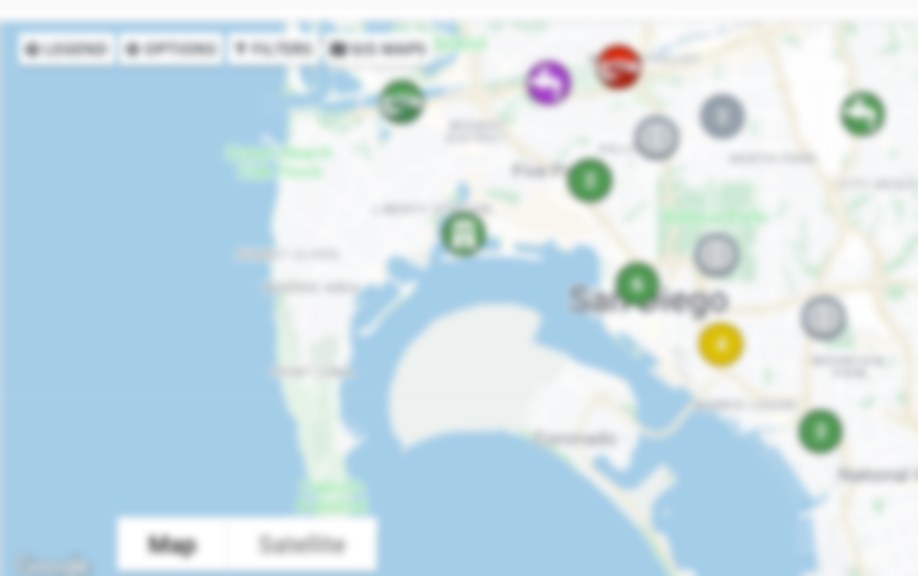
List and retrieve the files attached to a site — the same attachments visible on the network map.
What your developer will want to know
- JWT bearer authentication via
/authenticate, 60-minute tokens - JSON throughout, with a consistent result envelope
- Per-user rate limiting — raisable by arrangement
- ~1.5 million data points per response; page by date range beyond that
- Public API reference, no login required to read it
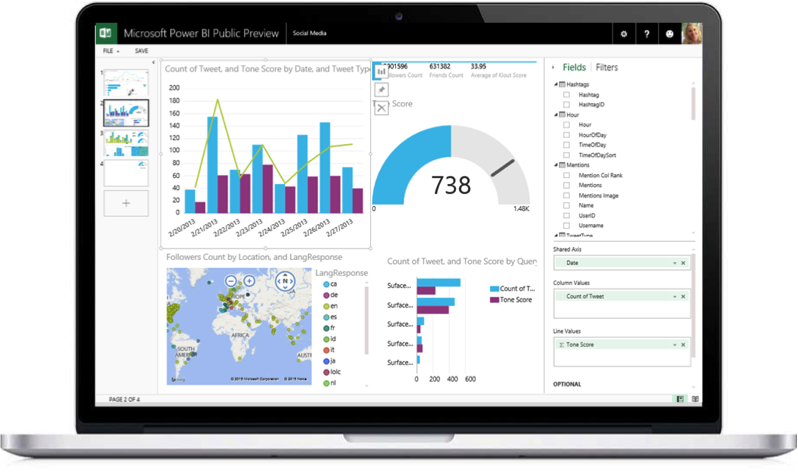
- CSO and overflow event notification to residents
- River and reservoir conditions of public interest
- Internal dashboards in a corporate reporting system
- Feeding a model or application that runs on your own infrastructure
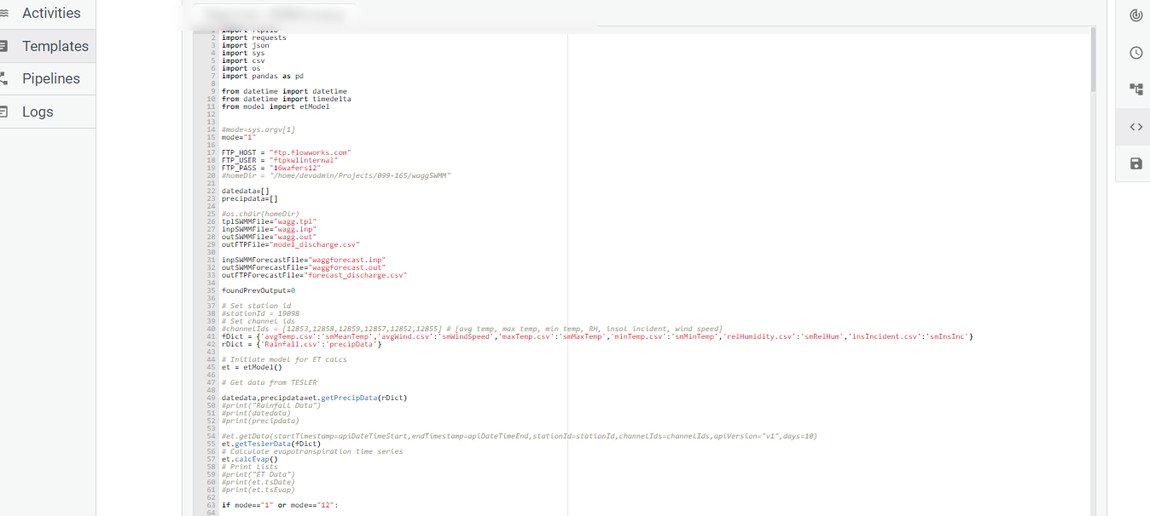
The infinitii flowworks API covers sites, channels and data. FACE Pro exposes a separate API of its own, and it does a different job: it manages the script templates and bundles that run on infinitii flowworks’ cloud compute.
That means the analysis itself can be deployed and operated programmatically — create and version a template, assemble it into a bundle, run it, and retrieve the logs. It is how a hydraulic simulation or a custom analytic gets managed as code rather than as a thing somebody configured once in a browser.
it dramatically increases productivity, because work can be deployed programmatically
- Manage script templates and bundles programmatically
- Execute Python — including hydraulic simulations — on infinitii flowworks compute
- Retrieve execution logs and results
- Version and promote analysis the way you version code
Access and documentation
The API reference is public — read it before committing to anything. Access itself is available to infinitii flowworks customers, and to partners building against a customer’s deployment with their agreement; credentials come with the account.
Tell us what you are trying to connect and we will point you at the right one of the two APIs — and, where it helps, at working client code.
Related
Extensibility
Calculated channels in Python and R, and hydraulic model integration through FACE Pro.
For engineering firms
Delivering analysis as a live channel rather than a static report.
Tell us what you need to connect
The first conversation is usually about the systems and data sources you want to integrate.